A cheap SSD is only a bargain if it solves the problem your iMac actually has. Before paying to open the screen, separate three different jobs: adding space for files, moving macOS off a slow hard drive, and repairing failed internal storage. They need different parts and carry different costs.
Buying advice, checked October 12, 2026: compare a complete internal-installation quote with an external SSD setup. Check the exact model, included tools and software support first. The earlier version of this article gave a $35–$352 headline range that mixed tools, drive bundles and service quotes; those were not equivalent purchases, so that range has been removed.
Start with the problem, not the shopping cart
| Your situation | First option to price | The catch to check |
|---|---|---|
| Your SSD works, but files fill it up | External storage for large files | Moving files is different from relocating macOS. Keep an independent backup. |
| An older Intel iMac boots from a hard drive or Fusion Drive | Compatible external startup SSD versus internal replacement | Compare the actual port, drive and installation path for your model. |
| You want an internal upgrade | Model-specific parts and a complete installation quote | A SATA-bay kit and a blade-SSD replacement are different jobs. |
| An Apple-silicon iMac has failed internal storage | Diagnosis and repair before buying an external startup drive | An external startup disk requires working built-in storage. |
This is a decision framework, not a benchmark. We have not timed these configurations or obtained an individual repair quote for your machine.
The cheaper route may be keeping the screen closed
For capacity alone, first list what must stay on the startup disk and what could live on an external drive. Buying enough capacity for that workload may avoid both an oversized SSD and installation labor. It does not fix a failing drive or make insufficient memory disappear.
For a startup-drive change, Apple documents installing macOS on external USB or Thunderbolt storage. Its instructions recommend APFS for an SSD, require allowing external boot on T2-equipped Macs, and distinguish Apple-silicon setup. Crucially, an Apple-silicon Mac still needs a functioning built-in startup disk: an external boot drive is not a rescue for failed internal storage.
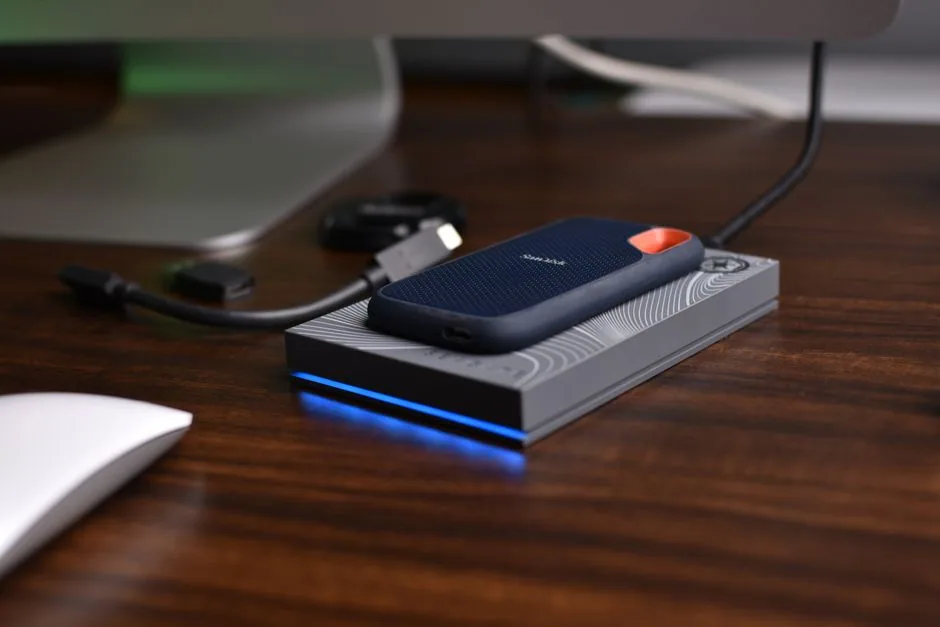
That makes external storage a candidate to price, not a universal recommendation. Add a suitable cable or enclosure, backup space and migration time. Keep the drive connected while using it as your startup disk. An expensive enclosure cannot remove the limits of the port it plugs into.
Read the kit contents before adding tools
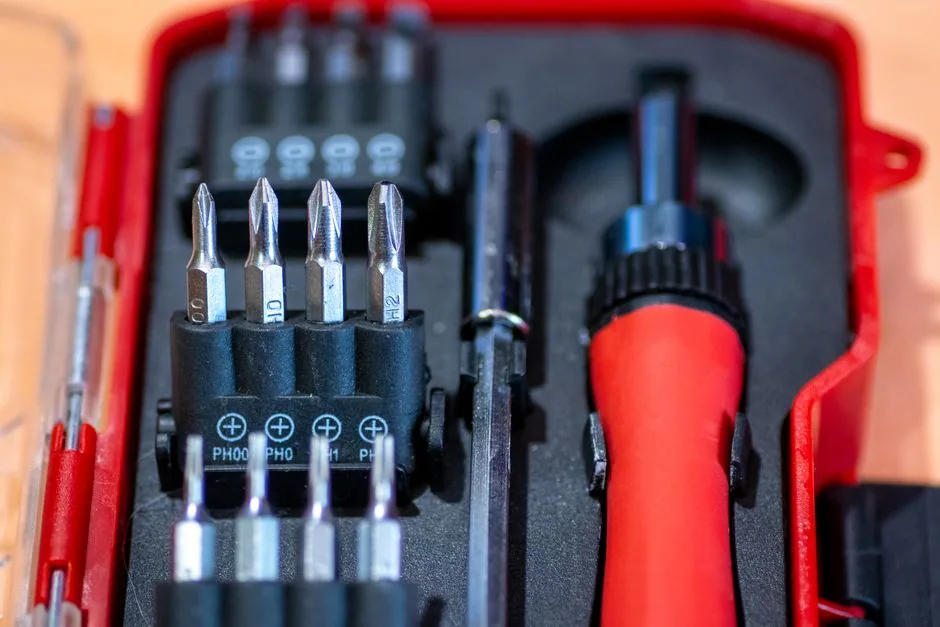
The iFixit 27-inch Intel upgrade-kit listing currently says the displayed option does not include an SSD. The UK listing showed £65.99 for a no-drive option when checked. That is a regional parts listing, not a US repair quote or a worldwide installed price. Its description lists adapters, opening tools and driver bits, so buying a second tool set without checking the selected option could waste money.
OWC groups upgrades by exact iMac model identifiers. Use a compatibility list, not just “2012–2019” in a product title. Confirm the bay or connector, required adapter, sensor provisions, replacement adhesive and what the selected package actually includes. Do not assume a generic NVMe drive fits because another iMac owner used one.
The difference matters physically. iFixit’s blade-SSD guide describes a drive behind the logic board on the configurations it covers. It is not the same operation as replacing a drive in a SATA bay. Opening a glued display and working near the power supply also means an older machine should not be described as a risk-free screwdriver job.
Compare the whole job on one sheet
Ask each seller or repairer for the same target capacity and scope. Then fill in these costs; enter zero only when an item is genuinely included or already owned.
| Option | Costs to add | Question that prevents a bad comparison |
|---|---|---|
| External SSD | Drive, enclosure if needed, cable, delivery/tax, migration and backup | Is this for files, or for a complete startup environment? |
| Internal DIY | Compatible drive, adapters, tools, adhesive, delivery/tax and your time | Does the selected kit include the drive and every model-specific part? |
| Repair shop | Written installed price, migration, tax, excluded parts and any backup service | What capacity, warranty and responsibility for the display are included? |
A worked example, not a market quote: suppose internal DIY totals $150 in purchases and takes three hours, while a comparable installed quote is $240. The cash saving is $90. If you value those three hours at $30 each, the time-adjusted difference is zero before any rework. Those assumptions are editable; they are not measured labor times or a claim that a shop charges $240.
For an external setup costing an assumed $100 against that same $240 quote, the difference is $140 only if the external route meets your needs. A cheaper option that does not fix the fault is not a saving. Likewise, reuse a suitable drive or borrow tools only after checking compatibility and condition; never repurpose your only backup as the working drive.
The blind spot: storage does not extend macOS support
Before spending on an aging machine, check Apple’s model and operating-system compatibility list. It currently lists Ventura for the 2017 iMac and Sequoia for the 2019 iMac. An SSD does not change that compatibility ceiling. Also check the requirements of the applications you actually need; a faster startup alone may not justify a large repair bill.
There is also an important correction to the old article: Apple does offer self-service repair for some iMacs. Apple added M3 iMac support in February 2024, and its 2024 four-port iMac manual lists repair procedures. That does not establish a user-swappable SSD or a storage-capacity upgrade for every model. Program availability, country, model and repair type must be checked separately.
Bring this short request to a repairer: “Here is my exact model and current storage. I need this capacity for these applications. Please quote the complete job, identify the parts included, explain migration and backup, and say what happens if the display is damaged.” Compare that answer with an external-storage plan before buying either.
Image credits: illustrative SSD photograph by Avinash Kumar; tools photograph by Ismael Campos Carrillo, via Pexels. These are related photographs, not images of a repair tested for this article.